We have made a quick and easy way for you to send us your problem so we can help you as
quickly as possible. We would like to make this as smooth and straightforward as possible for
you. When you contact our Customer Services Team by phone or email you are always
guaranteed helpful and reliable services. We make sure everybody's issues are dealt with
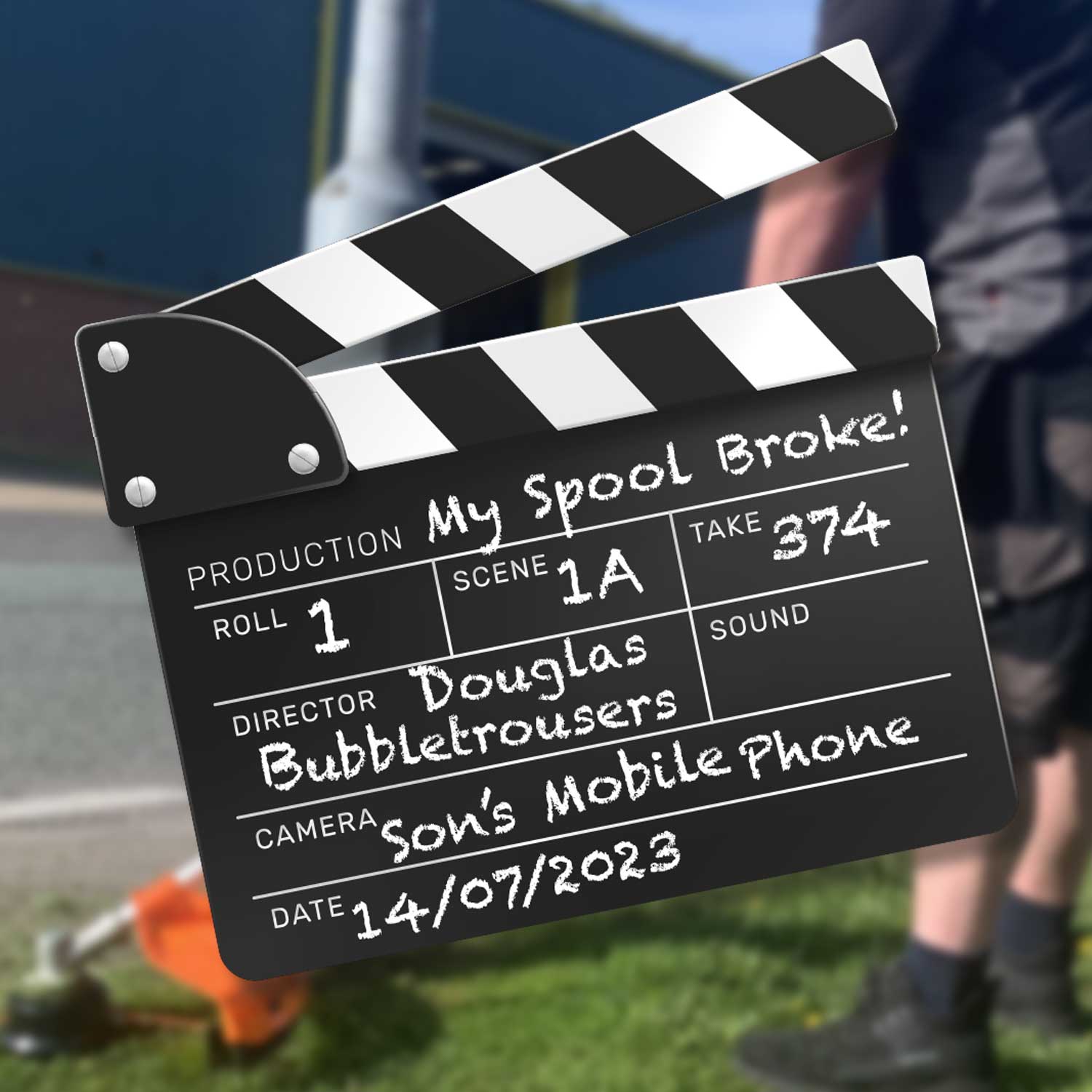
promptly. If you have had a technical issue, our team will likely request images or videos so we
can see your problem and resolve it for you professionally.
Steps to help us to help you:
With your film please:
● Clearly show us the issue/damage
● Keep the film nice and short
● You can easily use your mobile phone
● Ensure the video is focused on the problem
● Our case system only accepts videos up to 250mb
● Our tech team would appreciate if you could add some brief notes
● We want to work with you to help
Choose A Link
Having problems with your video size? No problem, there is always a solution.
Below there are three links you can choose from to help you condense the size of your video.
https://www.freeconvert.com/video-compressor
https://videocandy.com/compress-video.html
The Steps To Take: Check List
● Take a clear video showing our team the issue so they can quickly help assist
you.
● Make sure your file isn't bigger than 250mb. There are three simple videos above
to help you all of them are free.
● Download the condensed file.
● Access the message you have been sent by the tech team and upload your film.
Our team will then be able to assess and take the correct action to help you with any issues with
the quickest service.
Then What Will Happen?
After you have sent our tech team your problem and they have assessed it you will receive a
clear response from the warranty/tech team in a timely fashion. Thank you for your cooperation,
it is much appreciated.
Copy by RP.